Understanding Data Caps: How Much Data Do You Really Use?
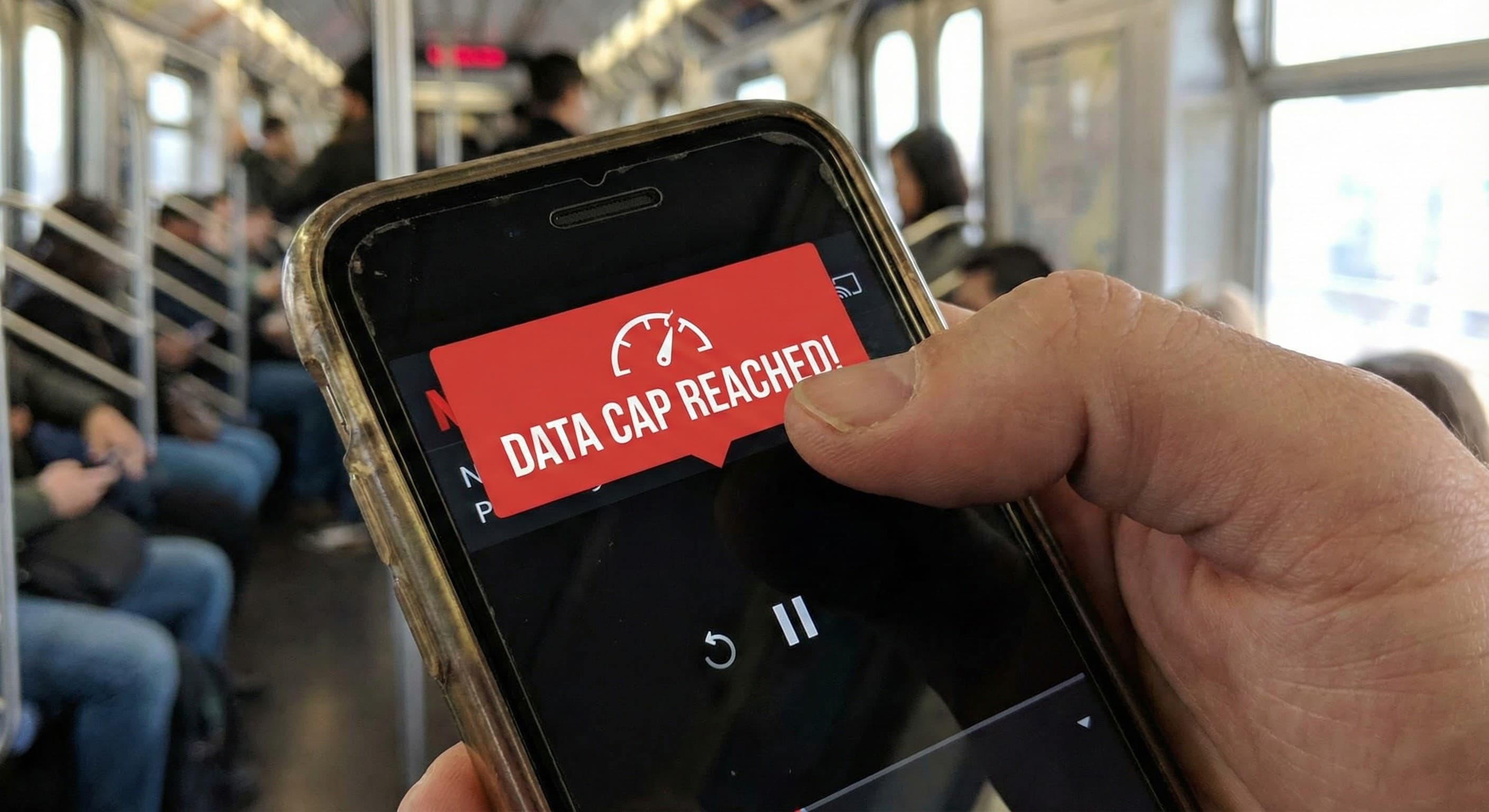
Some internet plans include data caps — limits on how much you can download and upload each month. If you've seen terms like "1 TB data" or "unlimited data" while shopping for internet, you may be wondering whether caps are something to worry about.
For most households, the answer is no. But understanding how data caps work — and how much data you actually use — helps you choose a plan with confidence.
What Is a Data Cap?
A data cap is a monthly limit on the total amount of data your household can transfer over your internet connection. This includes everything: streaming video, browsing the web, downloading files, video calls, gaming, cloud backups, and software updates.
Data is measured in gigabytes (GB) or terabytes (TB). One terabyte equals 1,000 gigabytes.
When providers advertise a data cap, it might look like:
- 1 TB (1,000 GB) per month
- 1.2 TB (1,200 GB) per month
- Unlimited (no cap)
The cap applies to your entire household — every device, every person, every activity combined.
What Happens If You Exceed Your Cap?
This varies by provider, but the most common approaches are:
Overage fees. Some providers charge extra when you exceed your cap — typically $10–15 for each additional 50 GB block. These charges can add up quickly during heavy-usage months.
Throttling. Other providers slow your speeds dramatically once you hit the cap, rather than charging extra. Your connection still works, but at reduced speeds until the next billing cycle.
Soft caps with deprioritization. Some plans — particularly satellite and fixed wireless — don't have hard limits but deprioritize your traffic during network congestion once you exceed a threshold. You may notice slowdowns during peak hours.
Unlimited with no enforcement. Some providers advertise a cap but rarely enforce it, or offer unlimited plans with no cap at all.
Before signing up for any plan, it's worth checking the provider's policy on overages.
How Much Data Do Common Activities Use?
Here's roughly how much data typical activities consume:
| Activity | Data usage |
|---|---|
| Web browsing, email | 50–100 MB per hour |
| Social media scrolling | 100–300 MB per hour |
| Music streaming | 50–150 MB per hour |
| SD video streaming (480p) | 0.7 GB per hour |
| HD video streaming (1080p) | 1.5–3 GB per hour |
| 4K video streaming | 7–12 GB per hour |
| Video calls (Zoom, Teams) | 0.5–2 GB per hour |
| Online gaming | 50–150 MB per hour |
| Game downloads | 30–150 GB per game |
| System/app updates | 1–10 GB per update |
| Cloud backups | Varies widely |
A few things stand out from these numbers:
Streaming video is the biggest factor for most households. An hour of 4K streaming uses roughly 10 GB. A household that watches 4 hours of 4K content daily would use around 1.2 TB per month on streaming alone.
Gaming uses little data during play, but downloads are significant. Playing online games consumes minimal bandwidth. Downloading modern games — which can exceed 100 GB each — adds up fast.
Background activity matters. Automatic cloud backups, software updates, security camera uploads, and smart home devices all consume data without active use.
How Much Data Does a Typical Household Use?
According to industry data, the average U.S. household uses around 400–600 GB per month. However, this varies widely based on household size and habits.
Light usage (100–300 GB/month):
- 1–2 people
- Mostly browsing, email, social media
- Occasional HD streaming
- Few large downloads
Moderate usage (300–700 GB/month):
- 2–4 people
- Regular HD streaming, some 4K
- Occasional gaming or video calls
- Some cloud backup activity
Heavy usage (700 GB–1.5 TB/month):
- 3–5+ people
- Frequent 4K streaming across multiple devices
- Regular game downloads
- Work-from-home video calls
- Active cloud backups or security cameras
Very heavy usage (1.5 TB+/month):
- Large households with constant streaming
- Frequent large downloads (games, video files, software)
- Home servers or extensive cloud sync
- Multiple 4K streams running simultaneously
Most households with a 1 TB cap will never reach it. But households with heavy 4K streaming, frequent game downloads, or multiple remote workers may get closer than expected.
Which Providers Have Data Caps?
Data cap policies vary by provider type:
Cable internet often includes data caps, though specifics vary. Comcast/Xfinity has a 1.2 TB cap in most markets (with unlimited available for an extra fee). Cox and Mediacom also enforce caps. Some cable providers have suspended enforcement or offer unlimited options.
Fiber internet rarely has data caps. Providers like AT&T Fiber, Verizon Fios, and Google Fiber typically offer unlimited data as standard. This is one of fiber's advantages — if you're comparing fiber vs. cable, unlimited data is often part of the equation.
Satellite internet commonly has caps or priority data limits. HughesNet and Viasat enforce relatively low caps. Starlink uses a priority/standard data system where speeds may slow after heavy usage during peak hours.
Fixed wireless (T-Mobile, Verizon 5G Home) generally doesn't have hard caps, but both carriers reserve the right to deprioritize home internet users behind mobile customers during congestion.
If avoiding data caps is a priority, fiber is typically the most straightforward option.
How to Check Your Current Data Usage
Most providers offer tools to monitor your usage:
- Provider apps and websites usually show monthly data consumption in your account dashboard
- Router admin pages often track total bandwidth usage
- Third-party apps can monitor usage per device if you want more detail
If you're unsure whether a cap would affect you, check your current usage for a few months before switching plans. This gives you a realistic baseline.
When Data Caps Actually Matter
For most households, data caps are a non-issue. A 1 TB cap accommodates a lot of activity — regular streaming, browsing, video calls, and occasional downloads without concern.
Data caps tend to matter more if your household:
- Streams 4K video extensively across multiple TVs
- Downloads multiple large games per month
- Has several people working from home with heavy cloud usage
- Runs security cameras that upload continuously
- Backs up large amounts of data to the cloud
If your household fits these patterns, look for plans with higher caps or unlimited data — or consider fiber, which typically includes unlimited data at no extra charge.
Choosing a Plan That Fits
Data caps are one factor among several when choosing an internet plan. Speed and connection type also affect your daily experience.
If you're concerned about caps, prioritize:
- Fiber internet if available — usually unlimited
- Cable plans with higher caps or unlimited options — often available for an extra $20–30/month
- Checking your current usage to see if caps would realistically affect you
Find Providers at Your Address
If your current provider enforces data caps and you'd prefer an unlimited option, it's worth checking what alternatives are available at your address. Fiber providers in particular often include unlimited data as standard.
Compare plans with RateMapper
See what you could be saving
RateMapper shows you every internet plan available at your address — with real pricing, features, and speeds. Best of all, it's totally free.
The Bottom Line
Most households use 400–600 GB per month — well under the 1 TB caps common on cable plans. Unless your household streams 4K video constantly, downloads games frequently, or has heavy cloud usage, data caps probably won't affect you.
If you want to avoid thinking about caps entirely, fiber internet typically includes unlimited data. And if you're on a capped plan, checking your monthly usage gives you a clear picture of whether it's a concern worth addressing.